The Neural Map
Your memory is a place. The Neural Map lays every chronicle out as a point in space, and the shape that emerges is your memory's own structure.
What you're looking at
- Every point is a chronicle, one memory.
- Colors are spines, the nature of each memory (source code, a document, an emotion…), on the same palette as everywhere else in the OS.
- The shape is grown. Chronicles wind into place in order, family by family, so each spine forms a visible band and the whole becomes a form you learn to read. Position carries meaning.
Moving through it
Pan, zoom, and keep zooming: the map lets you dive inside the structure. Hover any point and its chronicle shows itself, with its title, spine and vault. What reads as a galaxy from outside is your actual memory up close.
Built for scale
The map is GPU-accelerated. In its 3D mode it holds up to 100,000 nodes on screen, and a dedicated GPU (NVIDIA) is what carries that scale. On lighter machines the map caps itself and stays fluid: you choose the node budget with a slider, and the OS keeps your framerate.
The observatory
The right rail opens the map's control panels. This is where the map becomes an instrument.
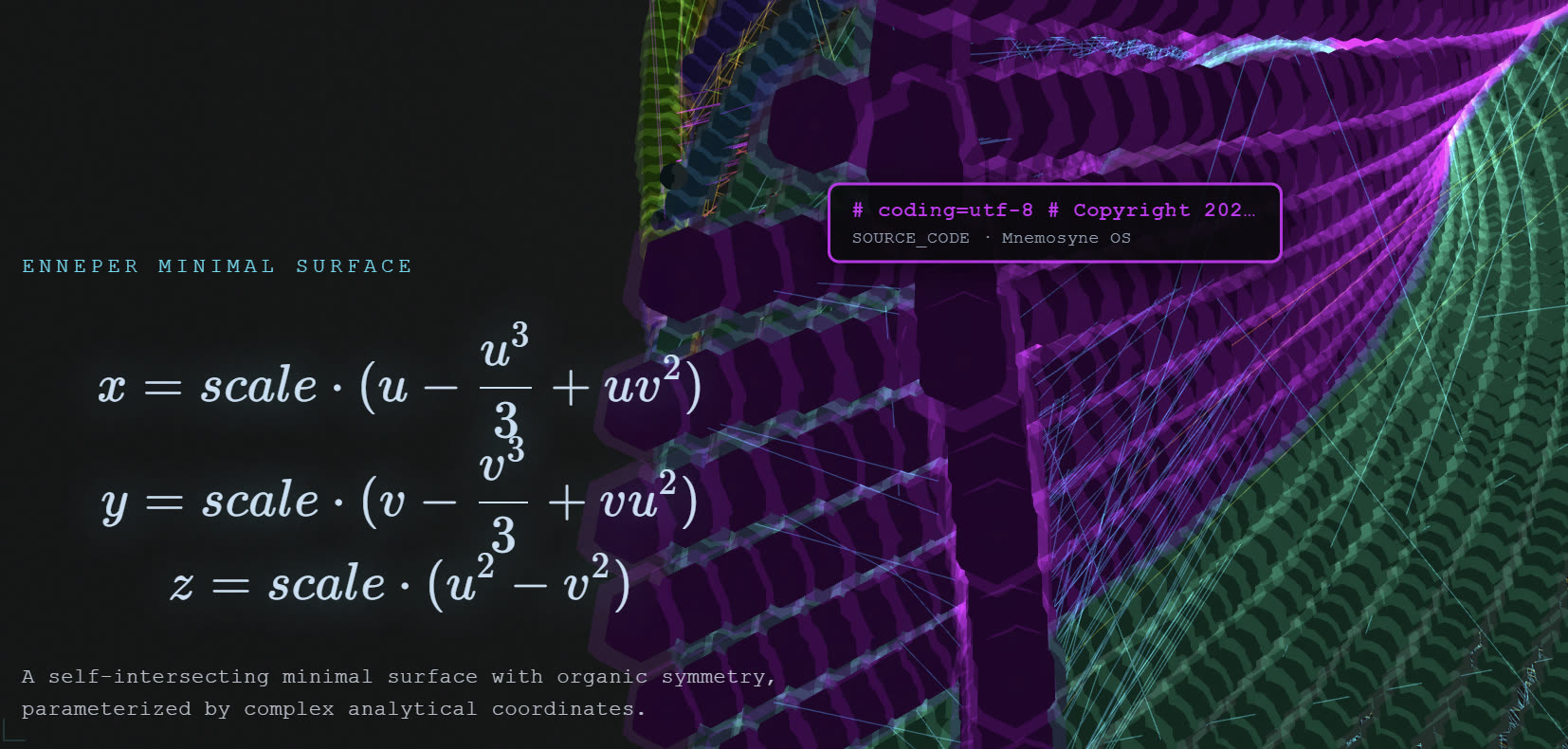 Every topology shows its own mathematics: here the Enneper minimal
surface, equations included.
Every topology shows its own mathematics: here the Enneper minimal
surface, equations included.
- Geometry: choose the topology your memory winds onto. Möbius Strip, Klein Bottle, Lorenz Attractor, Double Helix, Toroidal Ring, Logarithmic Seashell, Enneper Surface, Clifford Torus… Each comes with its equations and a one-line character, and Graph Expansion stretches or tightens the whole form. The full catalogue, equations included, has its own page.
- Density: two dials. How willing points are to link up (from 5% dense to 99% strict), and how many nodes get drawn at all. The capture below is holding 94,050 nodes and 10,739 links.
- Motion: the map is alive on purpose. Comet speed, 3D auto-orbit, breathing rate.
- Render & data: the 3D WebGL engine (beta) and its lenses: cross-vault links only, group by spine, group by vault, infinite depth.
- Graph presets: a composition you like (topology + density + motion) saves under a name and comes back in one click.
- Filters: light up only the spines or the origin vaults you care about, with live counts per vault.
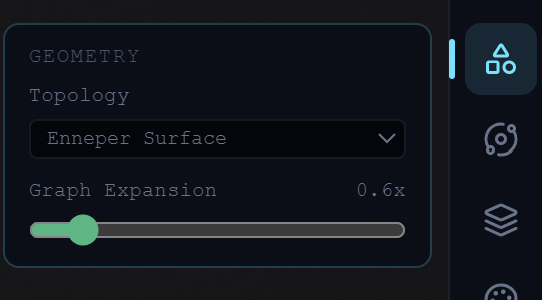 Geometry: the topology, and how far it expands.
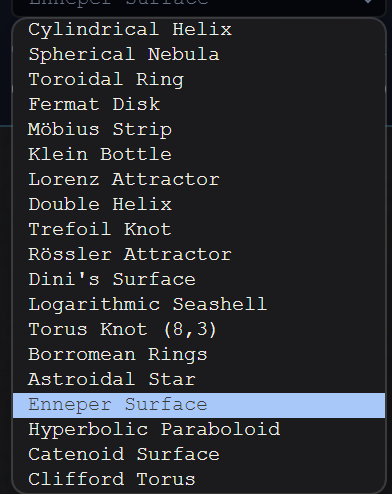 The catalogue: memory wound onto mathematics.
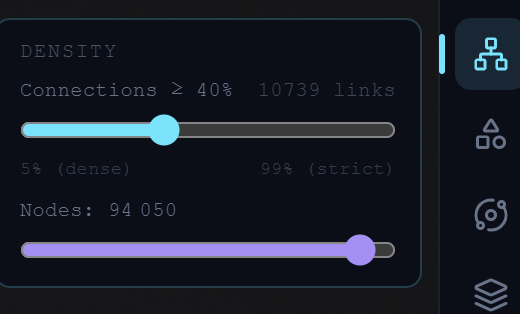 Density: 94,050 nodes on screen, 10,739 links.
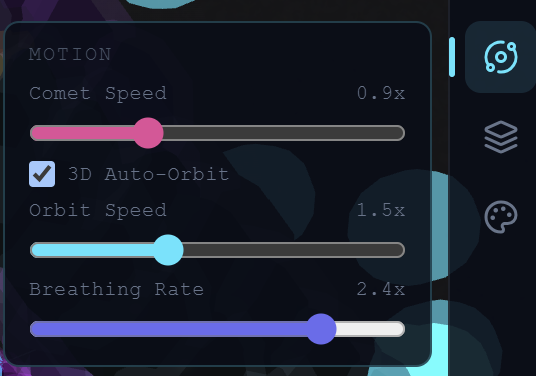 Motion: comet speed, auto-orbit, breathing.
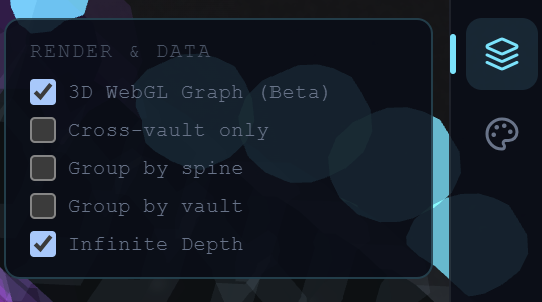 Render & data: the WebGL engine and its lenses.
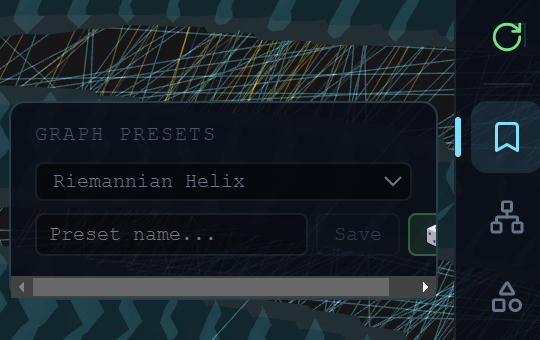 Graph presets: save a composition, recall it in one click.
It lives
The map rebuilds as your memory grows. Feed a vault and watch the new chronicles take their place. The sequence above is exactly that: a vault ingesting, live.
Where next: Chronicles & spines for what the points are, Vaults for the domains that feed them.