MnemoHub
MnemoHub is the OS's marketplace: a sovereign modular app marketplace, where you install standalone environments or pluggable canvas widgets. Apps here are cartridges: they plug into your memory through governed doors, and installs are free.
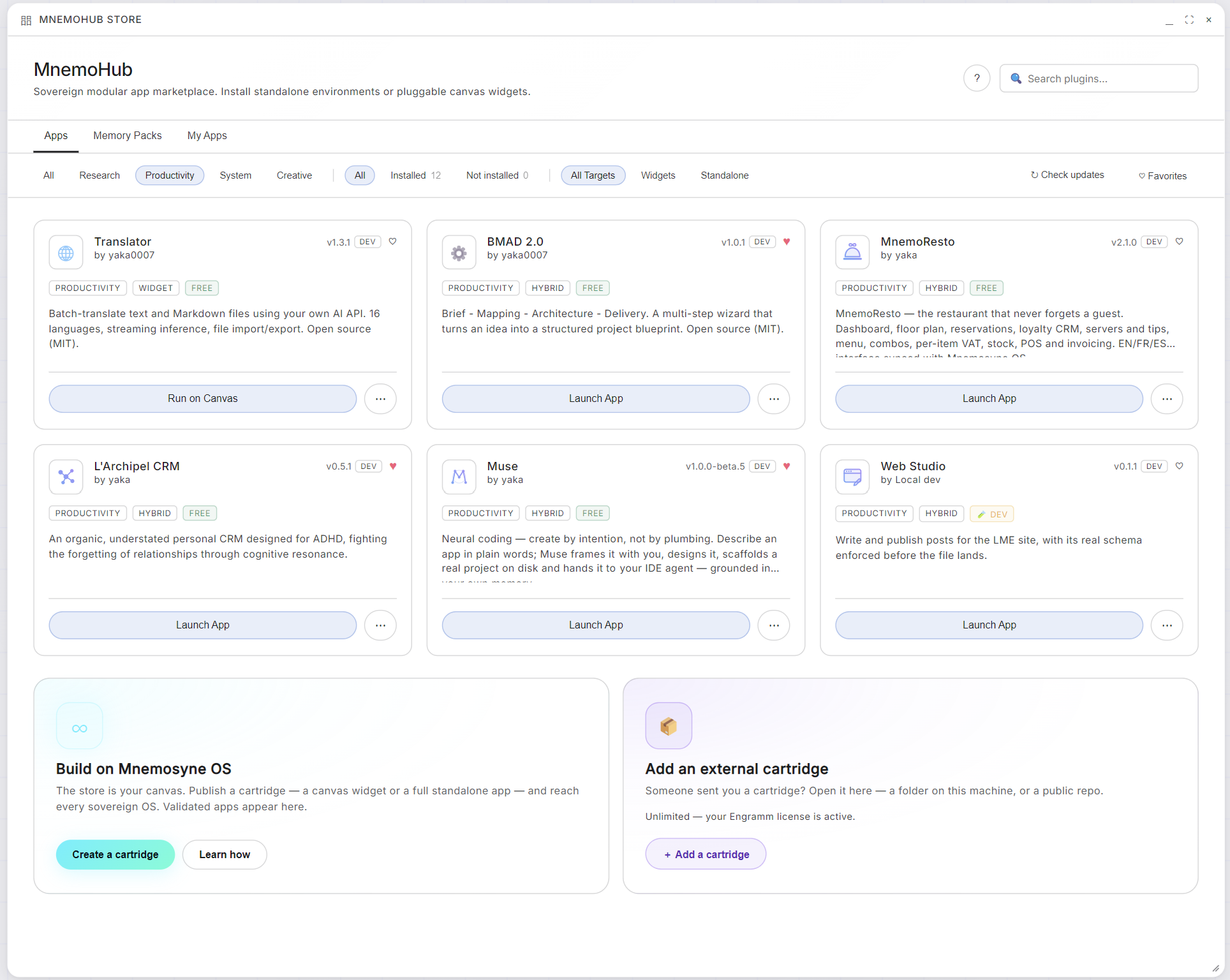
Browsing the store
- Three shelves: Apps, Memory Packs, and My Apps (what you've installed).
- Filters that matter: by category (Research, Productivity, System, Creative), by state (installed or not), and by target. Some cartridges are widgets that live on your canvas, others are standalone apps with their own window, and many are hybrid and do both.
- Every card shows its version, its author and its tags, and Free means free. Several are open source (MIT), and it says so on the card.
- Check updates refreshes the shelf, and the heart builds your favorites.
Two ways to run a cartridge
Launch App opens a standalone window. Run on Canvas drops the cartridge onto your dashboard canvas as a widget. The card's menu completes the toolbox:
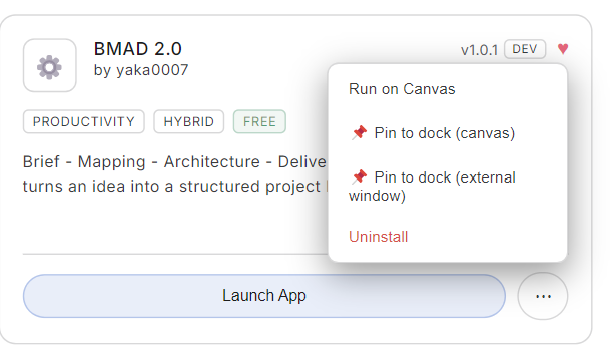
Pin a cartridge to the dock, as a canvas widget or an external window, and it's one click away forever. Uninstall lives in the same menu, and leaves nothing behind.
Under your rules, always
A cartridge asks for every capability it needs, and memory access is no exception. When an app gets its own vault, it arrives walled off until you unlock permanence. The full story is in Your first vault.
Add an external cartridge
Someone sent you a cartridge, or you just built one yourself? You don't need the store's permission. At the foot of the Apps tab, in the store window, next to the creator invitation, sits the second door.

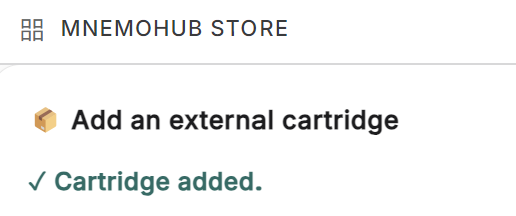
+ Add a cartridge offers two ways in, and they spend the same slot: a cartridge is a cartridge, wherever it comes from.

From a folder on this machine
- Pick the cartridge's root folder
The folder to select is the one holding
mnemo-plugin.json: one level abovedist/andsrc/, never inside them.
- It gets linked, not copied
Your folder stays where it is and Mnemosyne OS reads it in place. Rebuild your project and the next launch serves the new build; if the manifest points at your Vite dev server, you get hot reload in the window that is already open. Unlinking later never touches your files.
- Find it in the store
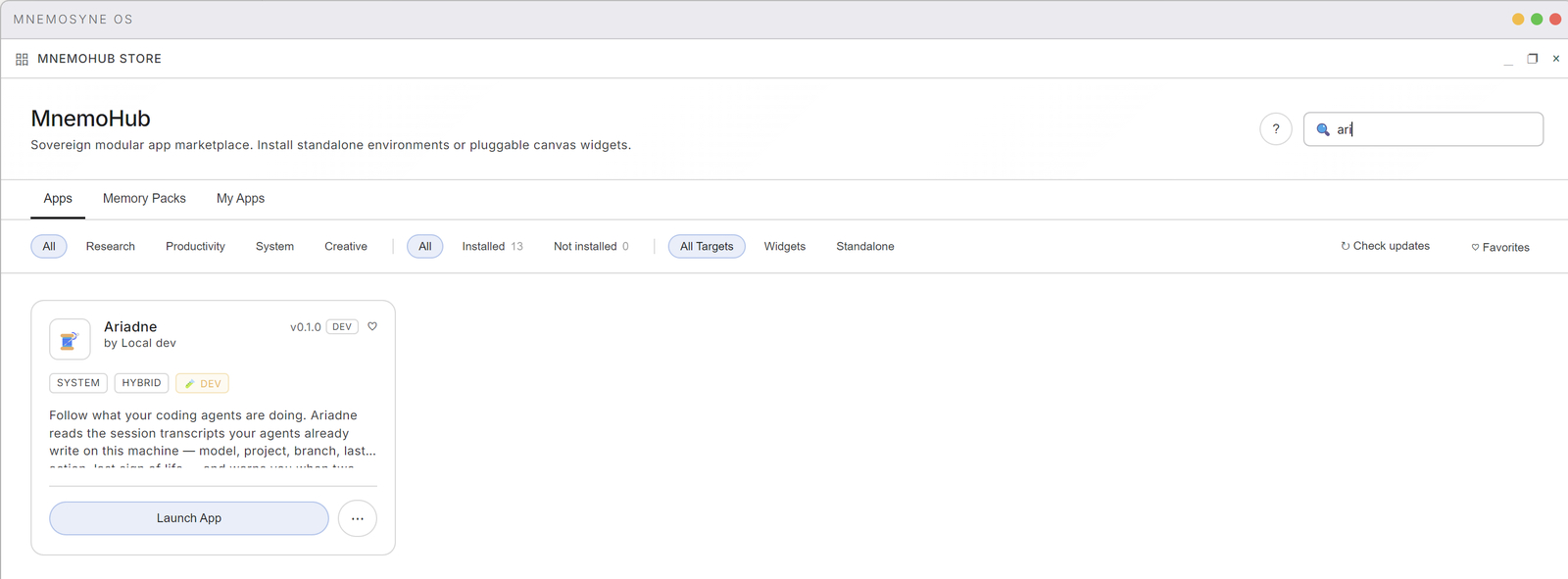
The card joins your apps within a few seconds, no restart, with a DEV badge and Local dev as its author, and the Installed count goes up by one. Launch App opens it.
When it does not go through
The dialog says It did not go through and then tells you what to fix, in words. The three you will actually meet:
| What the dialog says | What to do |
|---|---|
| mnemo-plugin.json lives one folder up — link the cartridge's root folder, not dist/ or src/. | You picked dist/ or src/. Pick the folder above it. |
| No mnemo-plugin.json found in that folder. | There is no manifest there at all. You are somewhere else in the tree, or this is not a cartridge. |
| This folder is a Layer 2 app (app.manifest.json) — it talks to the OS over WebSocket and cannot be linked here. A cartridge needs mnemo-plugin.json: start from the cartridge boilerplate. | A Layer 2 app is a different kind of thing. It runs on its own and connects in; it is not loaded by the app. |
Two more turn up once you have a few cartridges around: This folder is already linked. and A different cartridge with the same id is already installed.
My dev cartridges (My Apps → Dev Dashboard) words the same refusals the same way, so it makes no difference which door you came in by.
From a public repository
Paste the address in Repository URL and press Read it. Mnemosyne OS reads the repo's manifest before installing anything, so what you confirm with Install is a name and a version rather than a URL, which is not something anyone can verify by looking at it. Install only what you trust: a cartridge runs inside Mnemosyne OS. Accepted hosts are github.com, gitlab.com and bitbucket.org.
One slot is free
The first cartridge you bring in yourself costs nothing, whichever door it came through. Further ones need an active Engramm license, and the card tells you which case you are in before you click. Installing from the store never spends that slot.
Building your own? The whole path, from empty folder to running window, is in Your first cartridge.
Build on Mnemosyne OS
Just built one? You don't have to publish it to see it run. Link its folder and it opens in the OS straight away, carrying a DEV badge, exactly like any external cartridge. Publishing is a separate decision, taken later.
The store is your canvas. Publish a cartridge, a canvas widget or a full standalone app, and reach every sovereign OS. Validated apps appear in the store. There's a whole creator ecosystem behind that button (the SDK, validation, publishing from inside the app) and it will get its own guide here soon. Until then, see Build your own and the developer surfaces at mnemosyne-os.io/dev.