Sovereign Wallet
One widget holds the three things you may own in the ecosystem: your cloud credits, your Engramm licence, and your on-chain identity. This is also where you check your licence status, any time.
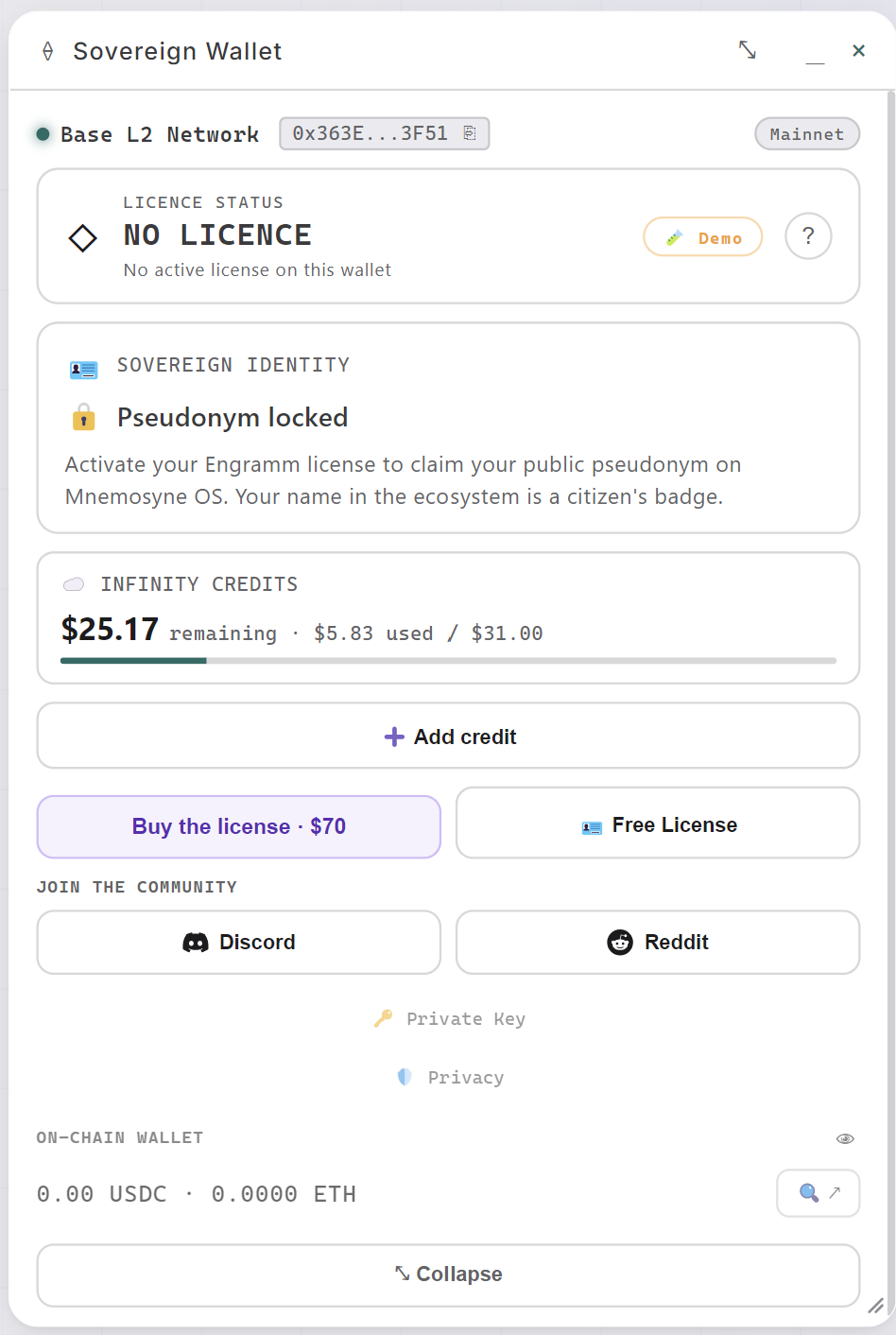
Reading it
- Licence status: the card at the top (NO LICENCE here), with a Demo mode to peek at what a licence feels like.
- Sovereign identity: your public pseudonym in the ecosystem, a citizen's badge, unlocked by activating your Engramm licence.
- Infinity Credits: the balance with nothing hidden. 5.83 used / $31.00 reads in that order: what is left, what you have spent, and what you put in, all in one bar.
- On-chain wallet: a real wallet on Base (USDC · ETH), with its address, an explorer link, and the Private key and Privacy folds right below. Yours, on your machine.
From across the board
Zoom the canvas out below about 70% and the wallet stops being an account page. The window frame goes, each figure takes its own card, and three numbers are left: what is left, what the last call cost, what today has cost so far.
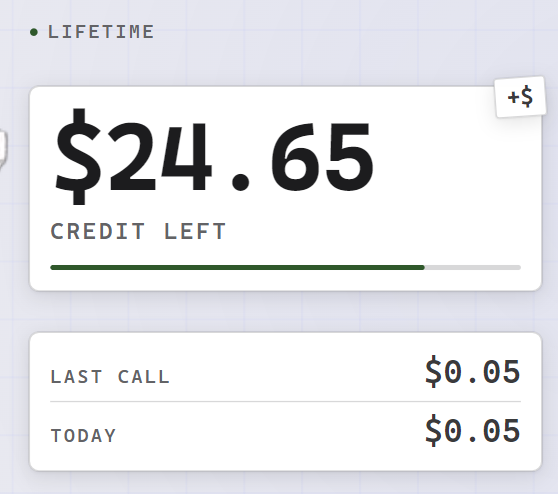
The line above the balance is the licence, read at a glance: lifetime when it is active. The bar under the figure only appears when there is a grant to measure against, and it goes low under 15% of it. The small +$ tag stuck on the corner of the card opens Add credit without zooming back in.
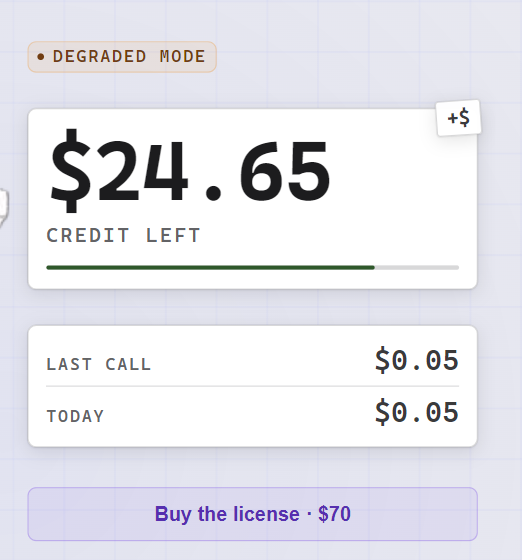
Without a licence the line says degraded mode, and hovering it names what is off, rather than leaving you to guess:
Local voice, local OCR and premium cartridges are switched off. Everything else works.
A cost the app does not know prints — on screen, never $0.00. At this size a
confident zero would be the number nobody zooms back in to verify. Zoom past
78% and the full widget comes back.
Adding credit
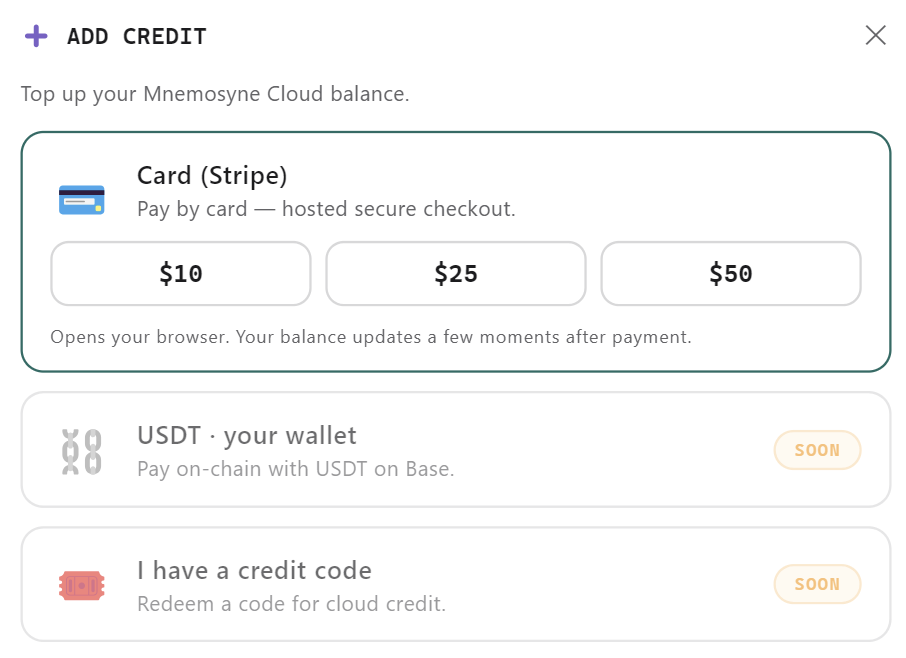
Three roads, one live, two marked Soon right in the UI: card via Stripe's hosted checkout (25 / $50), USDT on Base, and credit codes. Pick an amount and the confirm screen states the contract in four lines:
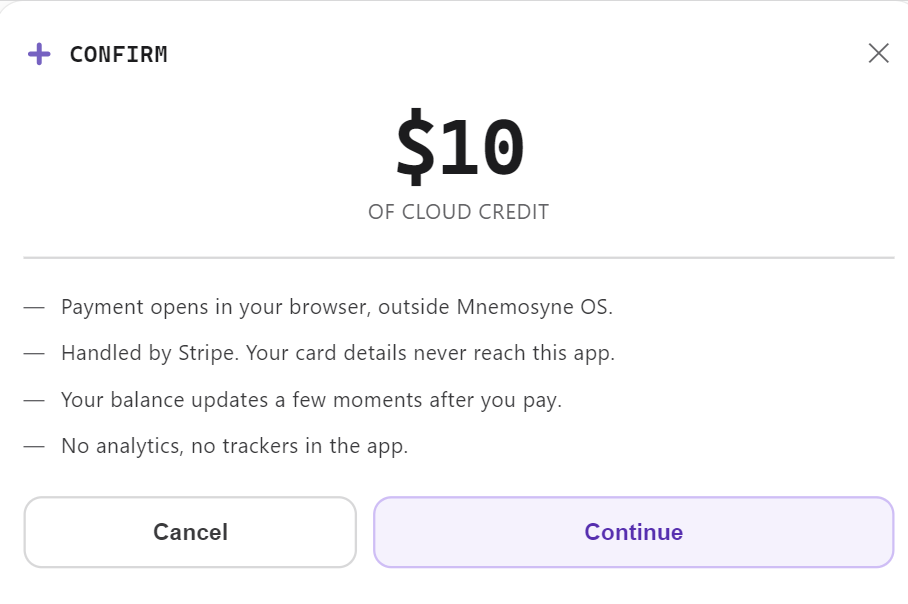
Payment opens in your browser, outside Mnemosyne OS.
Handled by Stripe. Your card details never reach this app.
Your balance updates a few moments after you pay.
No analytics, no trackers in the app.
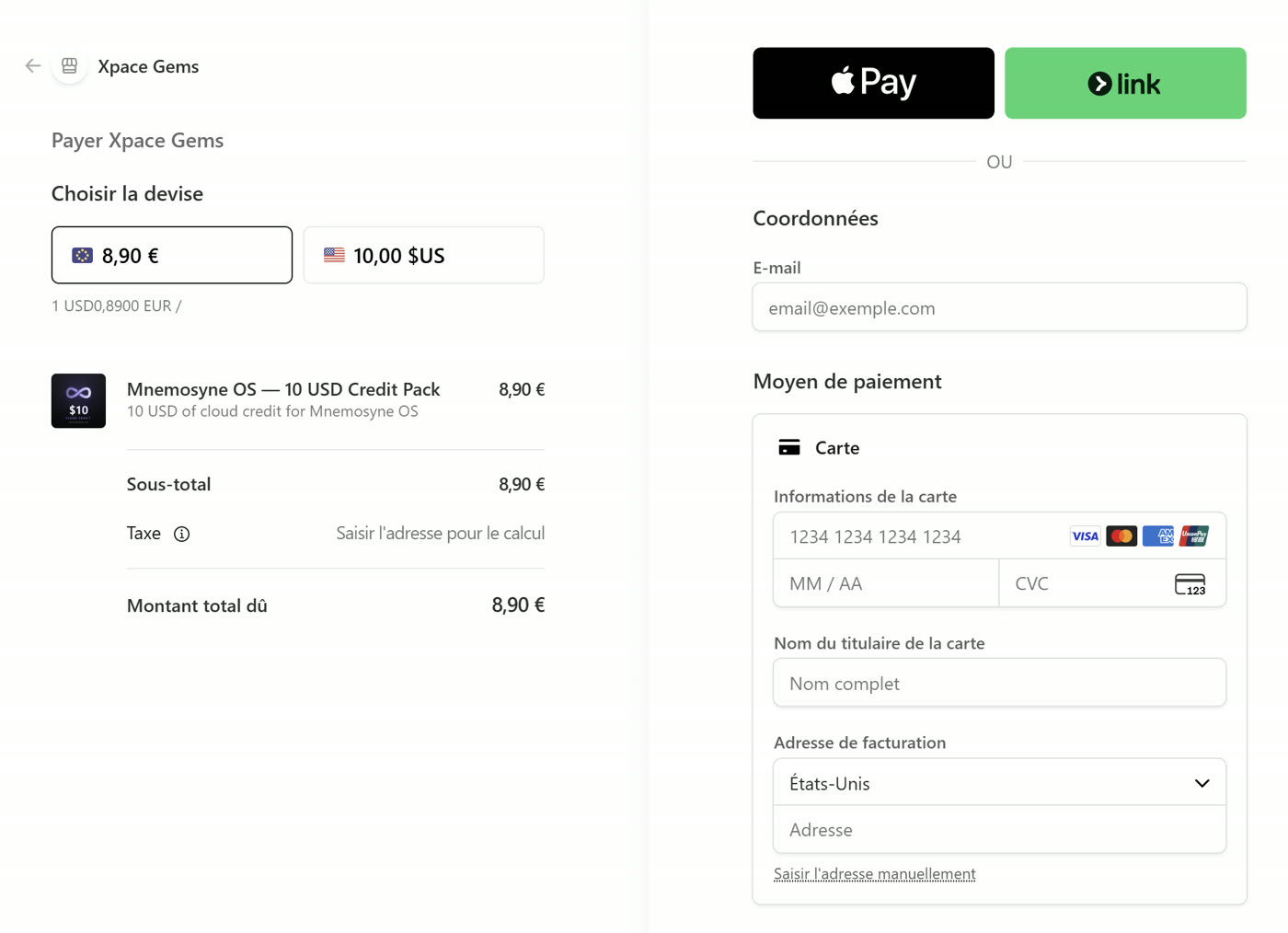
The checkout itself is Stripe's, in your browser, with currencies, Apple Pay and the rest. The app only ever learns that the balance grew:
The licence, two doors
Two doors: buy it, or ask for one.
Buying it
Buy the license · $70 is the direct route, and like a credit top-up it states the whole contract before anything opens:
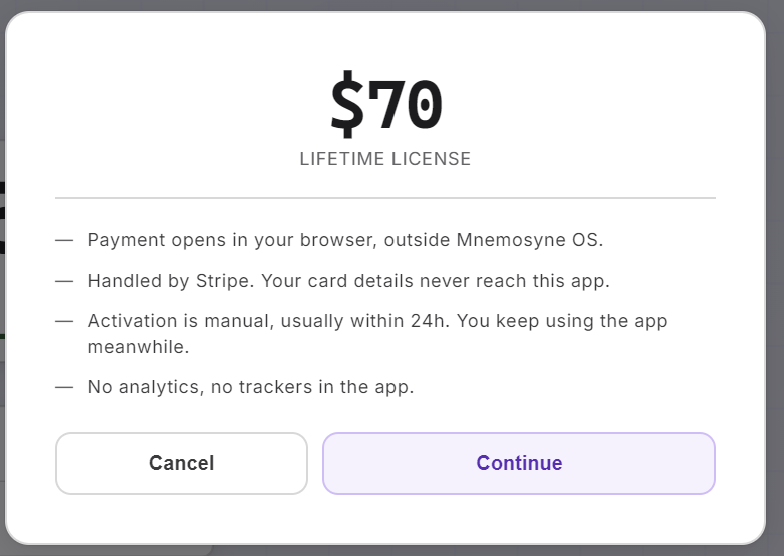
Payment opens in your browser, outside Mnemosyne OS.
Handled by Stripe. Your card details never reach this app.
Activation is manual, usually within 24h. You keep using the app meanwhile.
No analytics, no trackers in the app.
The third line is the one to read twice. Nothing mints your licence automatically: paying queues a request that the founder activates on-chain by hand. That is a deliberate trade, because automatic minting would mean a wallet able to issue Engramms living on a server, and that is the one secret whose leak cannot be undone. So the wait is written on the button instead of being discovered afterwards.
Continue opens Stripe's hosted checkout in your browser, at $70 or its equivalent in your currency. The merchant reads Xpace Gems, the Stripe account of XPACEGEMS LLC, which publishes Mnemosyne OS.
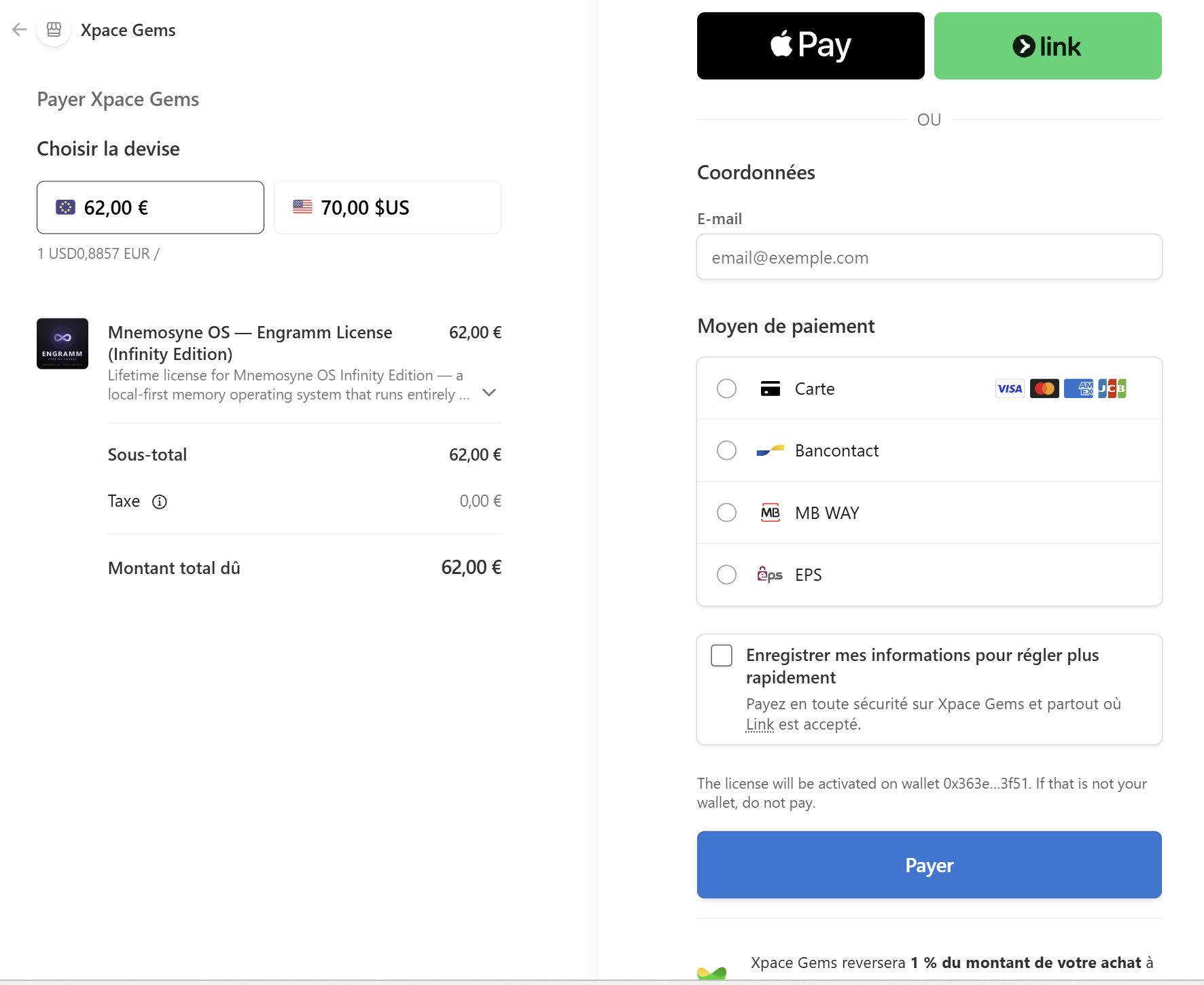
One line there deserves a look before you pay, because it is the address your Engramm will be minted to:
The license will be activated on wallet 0x363e...3f51. If that is not your wallet, do not pay.
That is your wallet, the one in this widget, filled in for you. Buying from inside the app is exactly why there is no address to paste and get wrong.
Asking for one
Free License: ask for one. The form follows the same human pattern as free credits. Tell the founder who you are and how you'll use Mnemosyne OS, and it is reviewed by hand, activated on-chain.
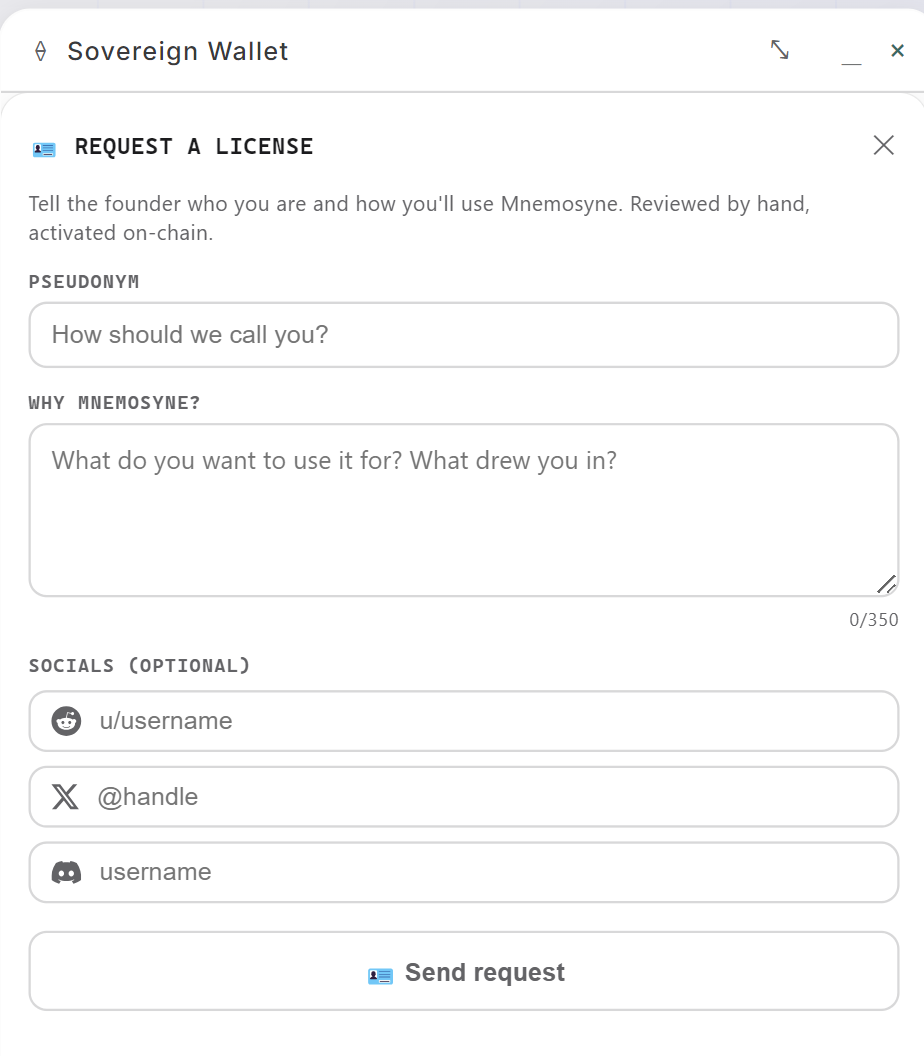
The fastest way to get unlocked: join the Discord and say hi after sending the request. The founder is there.
The Engramm licence
The licence has a name: the Engramm. One purchase, no subscription, and it lives on-chain rather than in a database of ours: activated on-chain, tied to your wallet. Your licence is yours the way your memory is.
Once active, the status card reads lifetime, verified on-chain.
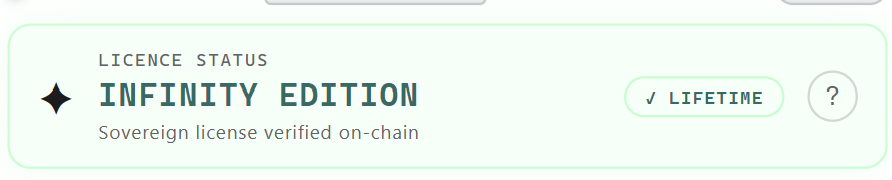
And the pseudonym is claimed, with the identity model on one model:
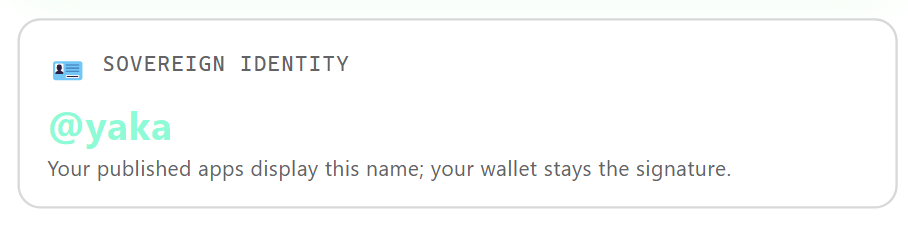
Your published apps display this name; your wallet stays the signature.
What it unlocks, notably:
- Your public pseudonym: the citizen's badge, claimed once, yours across the ecosystem.
- The advanced voice engines: the full Calliope range.
- Several store apps at once: without a licence you try cartridges one at a time, uninstalling to install the next. Licensed, you install freely, and external cartridges become unlimited.
- Create and publish: the creator door opens, so you can build cartridges and publish them to the Hub.